
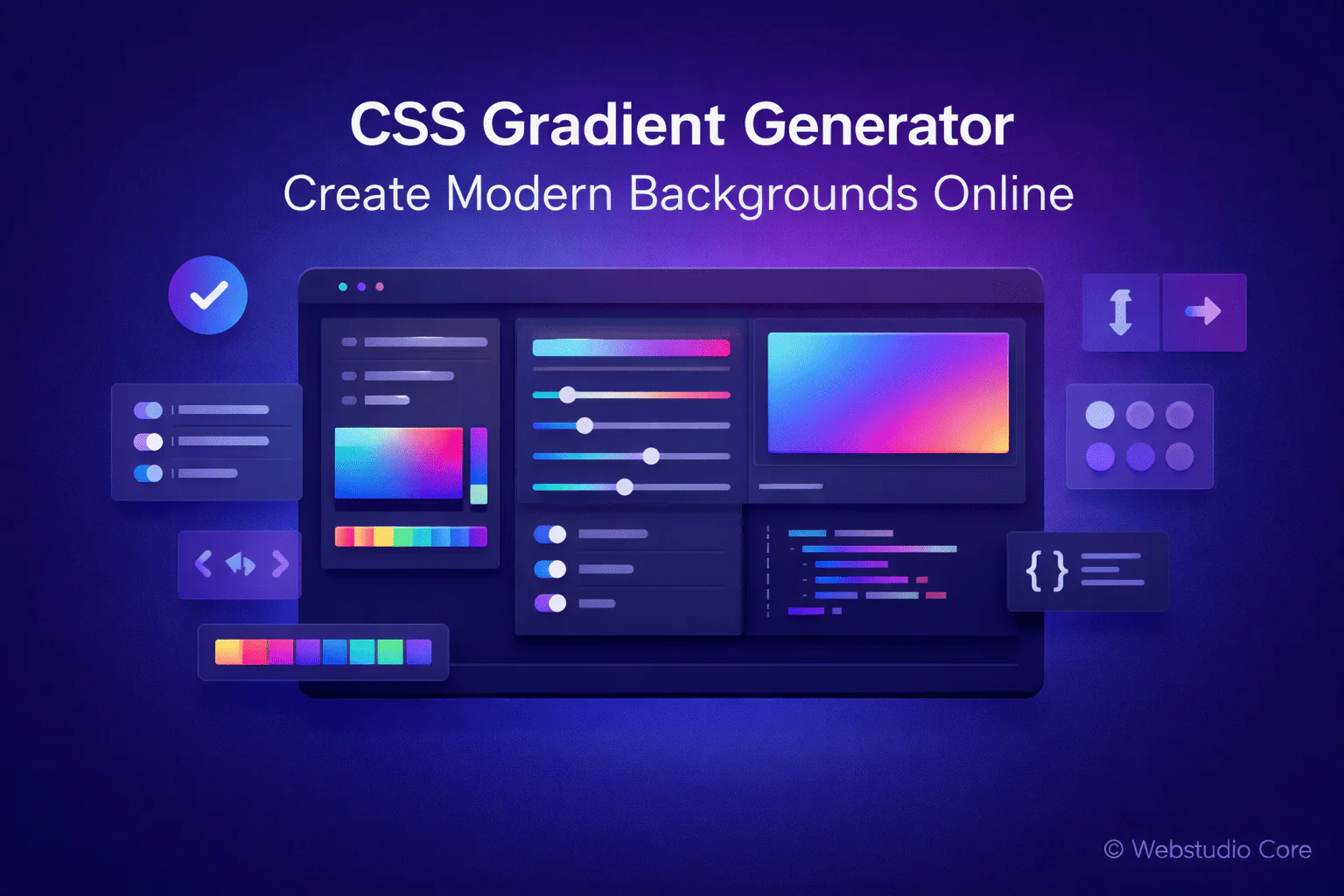
Gradients have become a core element of modern web design. From hero sections and landing pages to buttons and cards, gradients help create depth, visual interest, and smooth transitions between colors.
A CSS gradient generator allows you to design professional-looking gradients visually and generate clean CSS code instantly—without writing complex syntax manually.
What Is a CSS Gradient Generator?
A CSS gradient generator is an online tool that helps you create CSS gradient backgrounds using a visual interface. Instead of manually writing linear-gradient or radial-gradient functions, you adjust colors, angles, and positions visually.
The tool then generates ready-to-use CSS code that can be applied directly to any HTML element.
Why Gradients Are Important in Web Design
Gradients are more than decorative elements. When used correctly, they improve hierarchy, guide user attention, and enhance the overall user experience.
Modern gradients help:
• Add depth and dimension to flat designs
• Create smooth color transitions
• Highlight key sections or calls to action
• Improve brand consistency
Types of CSS Gradients You Can Create
CSS supports several types of gradients, and most generators allow you to create all of them visually.
Linear Gradients
Linear gradients transition colors along a straight line. You can control the direction, angle, and color stops, making them ideal for backgrounds and banners.
Radial Gradients
Radial gradients radiate from a central point outward. They are often used for subtle lighting effects, highlights, and decorative backgrounds.
Multi-Color Gradients
Multi-color gradients use more than two colors, creating complex and visually rich effects commonly seen in modern UI designs.
Benefits of Using a CSS Gradient Generator
Using a gradient generator saves time and reduces errors while giving you full creative control.
Key benefits include:
• Instant visual preview
• No CSS syntax knowledge required
• Easy adjustment of angles and color stops
• Clean and reusable CSS output
• Consistent results across browsers
How to Use a CSS Gradient Generator
Creating a gradient using a CSS gradient generator is simple:
1. Select the gradient type (linear or radial)
2. Choose colors and adjust their positions
3. Set the direction or angle
4. Preview the gradient in real time
5. Copy the generated CSS code
CSS Gradient Generator vs Manual Gradient Coding
Writing gradients manually requires precision and experience with CSS syntax. Gradient generators eliminate guesswork and allow faster experimentation.
Many professional developers use generators to explore ideas quickly, then refine the output manually if needed.
Best Use Cases for CSS Gradient Generators
CSS gradient generators are especially useful for:
• Hero sections and landing pages
• Backgrounds for cards and containers
• Buttons and UI highlights
• Branding and visual identity elements
• Rapid prototyping and design testing
Why Webstudio Core Offers CSS Gradient Generator Tools
Webstudio Core focuses on practical, performance-first tools that help modern web creators work faster. CSS gradient generators align with this approach by providing lightweight, production-ready CSS without unnecessary complexity.
All generated code is designed to be clean, reusable, and compatible with modern browsers.
Final Thoughts
A CSS gradient generator is a valuable tool for creating visually appealing backgrounds without writing complex CSS code. It helps designers and developers experiment freely while maintaining efficiency and consistency.
If you want to build modern web interfaces faster, a CSS gradient generator should be part of your design workflow.