
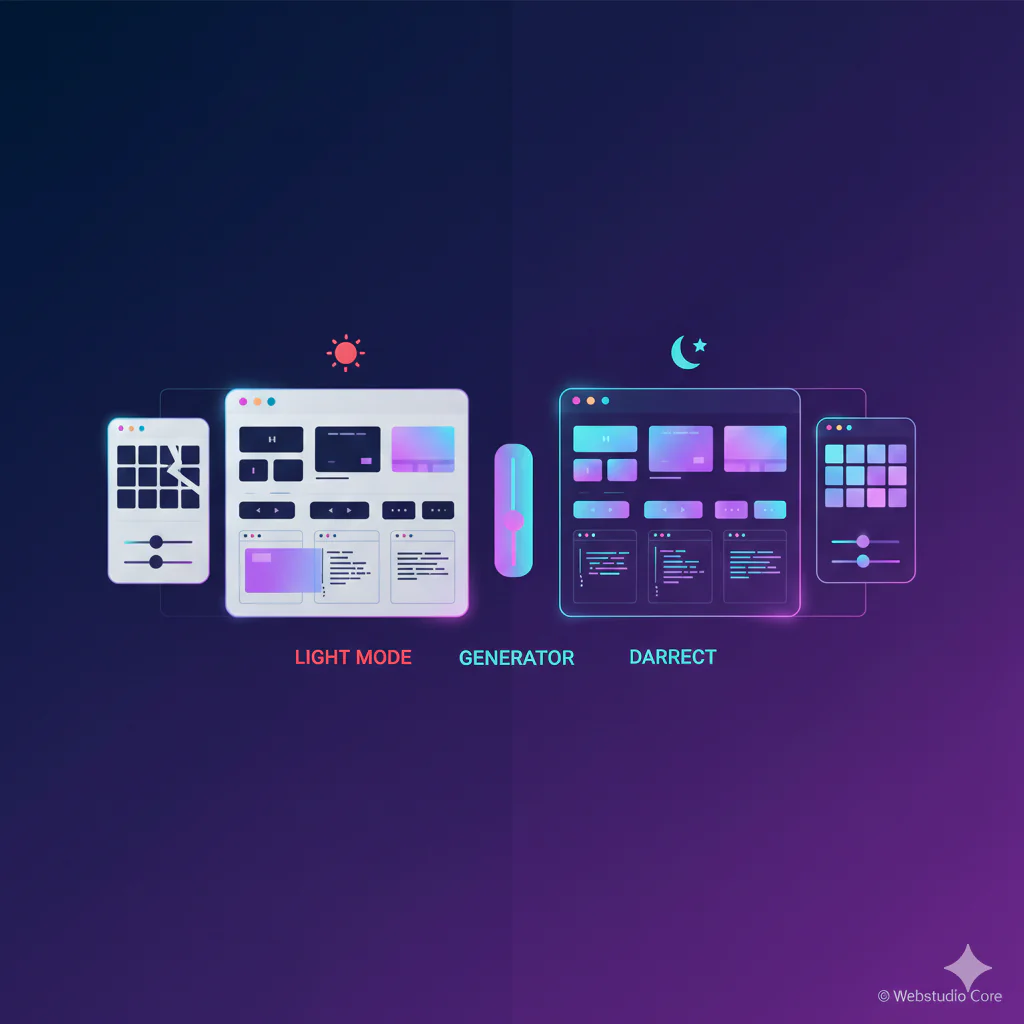
A CSS Dark Mode Generator is a practical solution for web developers and designers who want to implement dark mode efficiently without rewriting their entire stylesheet. As user expectations evolve, dark mode is no longer a luxury feature. It has become a standard requirement for modern websites, web apps, and WordPress themes.
By using a CSS Dark Mode Generator, creators can focus on usability, contrast, and brand consistency while producing clean, maintainable CSS that adapts seamlessly between light and dark interfaces.
What a CSS Dark Mode Generator Does
A CSS Dark Mode Generator helps transform an existing light theme into a dark theme by generating alternative color variables and styles. Instead of manually redefining every background, text, and border color, the generator provides a structured way to manage theme switching.
Most generators rely on CSS variables, making it easier to control color schemes globally while keeping the codebase readable and scalable.
Why Dark Mode Matters in Modern Interfaces
Dark mode improves visual comfort in low-light environments and reduces eye strain for many users. It also enhances perceived performance and gives interfaces a modern, polished feel.
From dashboards and code editors to blogs and landing pages, dark mode improves user retention when implemented thoughtfully.
CSS Dark Mode Generator Use Cases
One common use case is adding dark mode support to existing websites without redesigning the UI from scratch. A generator allows teams to map light colors to dark equivalents quickly.
Another use case is building design systems where light and dark themes share the same layout and typography but differ only in color variables.
Dark Mode for WordPress Themes and Plugins
WordPress users often face limitations when themes do not include native dark mode support. A CSS Dark Mode Generator allows developers to add dark mode using custom CSS without modifying core theme files.
This approach works well with block themes, classic themes, and custom plugin interfaces.
Using CSS Variables for Theme Switching
Modern dark mode implementations rely on CSS variables to define color roles such as background, surface, text, and accent colors.
A generator structures these variables clearly, making it easy to switch themes using a single class or media query without duplicating styles.
Automatic Dark Mode with prefers-color-scheme
Many CSS Dark Mode Generators support the prefers-color-scheme media query. This allows websites to respect the user’s system preference automatically.
This approach improves accessibility and user experience by aligning the website with the operating system’s theme settings.
Manual Toggle vs System-Based Dark Mode
System-based dark mode is ideal for simplicity, but many websites also offer a manual toggle. This gives users control regardless of their device settings.
A generator often provides both approaches, allowing developers to implement flexible theme switching with minimal effort.
Accessibility and Contrast Considerations
Dark mode is not simply inverted colors. Poor contrast can reduce readability and accessibility.
A CSS Dark Mode Generator helps ensure balanced contrast ratios by guiding color selection and maintaining hierarchy between text, backgrounds, and interactive elements.
Performance and Maintainability Benefits
Implementing dark mode using generated CSS variables reduces duplication and keeps stylesheets lightweight.
This improves performance, simplifies debugging, and makes future design updates easier to manage.
When a CSS Dark Mode Generator Is the Right Choice
A CSS Dark Mode Generator is ideal when you want to add dark mode quickly, consistently, and without disrupting existing layouts.
For modern web creators, it is a productivity tool that supports accessibility, user preference, and long-term maintainability in a clean and professional way.