
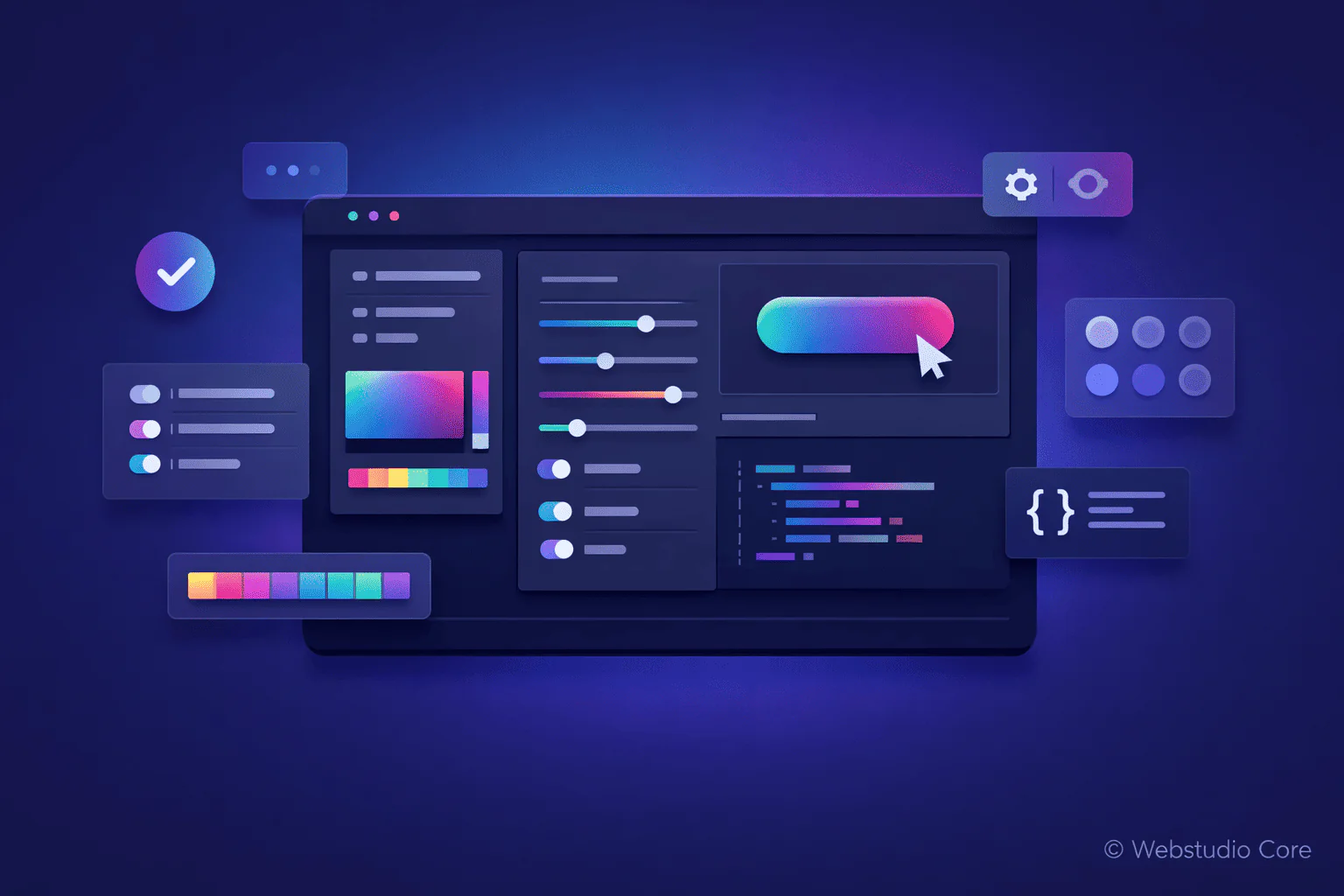
Buttons are one of the most important elements in modern web design. They guide user actions, improve navigation, and directly impact conversion rates. A poorly designed button can reduce engagement, while a well-designed one can significantly improve user experience.
This is why a CSS button generator is a powerful tool for developers and designers who want to create modern, responsive buttons quickly—without writing CSS from scratch.
What Is a CSS Button Generator?
A CSS button generator is an online tool that allows you to visually design buttons and automatically generate the CSS code. Instead of manually defining properties like padding, border-radius, colors, and hover states, you customize everything using a visual interface.
Once the design is ready, the tool outputs clean CSS code that can be copied directly into your project.
Why Buttons Matter in Web Design
Buttons are more than just clickable elements. They play a critical role in usability and conversion optimization.
Well-designed buttons:
• Clearly indicate actions
• Improve navigation flow
• Increase click-through rates
• Enhance overall visual consistency
Benefits of Using a CSS Button Generator
Using a CSS button generator helps streamline your workflow and reduce repetitive styling tasks.
Main advantages include:
• Faster button creation
• No CSS knowledge required
• Consistent design across pages
• Built-in hover and active states
• Clean and reusable CSS output
Common Features in CSS Button Generators
Most modern CSS button generators provide a wide range of customization options.
Button Size and Spacing
You can control padding, font size, and alignment to ensure the button looks good on both desktop and mobile devices.
Colors and Gradients
Button generators allow you to choose solid colors or gradients for backgrounds, text, and borders, helping you match your brand identity.
Border Radius and Shape
Rounded corners, pill-shaped buttons, or sharp edges can be adjusted easily using sliders or input fields.
Hover and Active Effects
Hover effects such as color changes, shadows, or transitions can be generated automatically, improving interactivity and user feedback.
How to Use a CSS Button Generator
Using a CSS button generator typically follows these steps:
1. Choose a button generator tool
2. Adjust size, colors, and styles visually
3. Preview the button in real time
4. Copy the generated CSS code
5. Apply it to your HTML or theme
CSS Button Generator vs Manual Button Styling
Manually styling buttons provides maximum control, but it can be inefficient for repetitive tasks. CSS button generators are ideal for rapid development, prototyping, and consistent UI design.
Professional developers often combine both approaches—using generators for speed and manual CSS for fine-tuning.
Best Use Cases for CSS Button Generators
CSS button generators are especially useful for:
• Landing pages and marketing websites
• WordPress theme customization
• UI prototyping and MVPs
• No-code and low-code projects
• Rapid design experimentation
Why Webstudio Core Provides CSS Button Generator Tools
Webstudio Core focuses on building practical, performance-first tools for modern web creators. CSS button generators fit this mission by providing fast, lightweight solutions without unnecessary complexity.
The goal is to help users create professional UI elements that are ready for production use.
Final Thoughts
A CSS button generator is an essential tool for creating modern, responsive, and visually consistent buttons. It saves time, reduces errors, and allows you to focus on design and user experience instead of repetitive code.
Whether you are a beginner or an experienced developer, using a CSS button generator can significantly improve your web design workflow.