
Animation plays a subtle but important role in modern web design. When used correctly, animation helps guide attention, provide feedback, and make interfaces feel more responsive and alive. When overused or poorly implemented, however, it can quickly become distracting.
This balance is exactly why many developers and designers rely on a CSS animation generator. It allows you to experiment visually, fine-tune motion, and generate clean CSS animations without writing complex keyframes from scratch.
What Is a CSS Animation Generator?
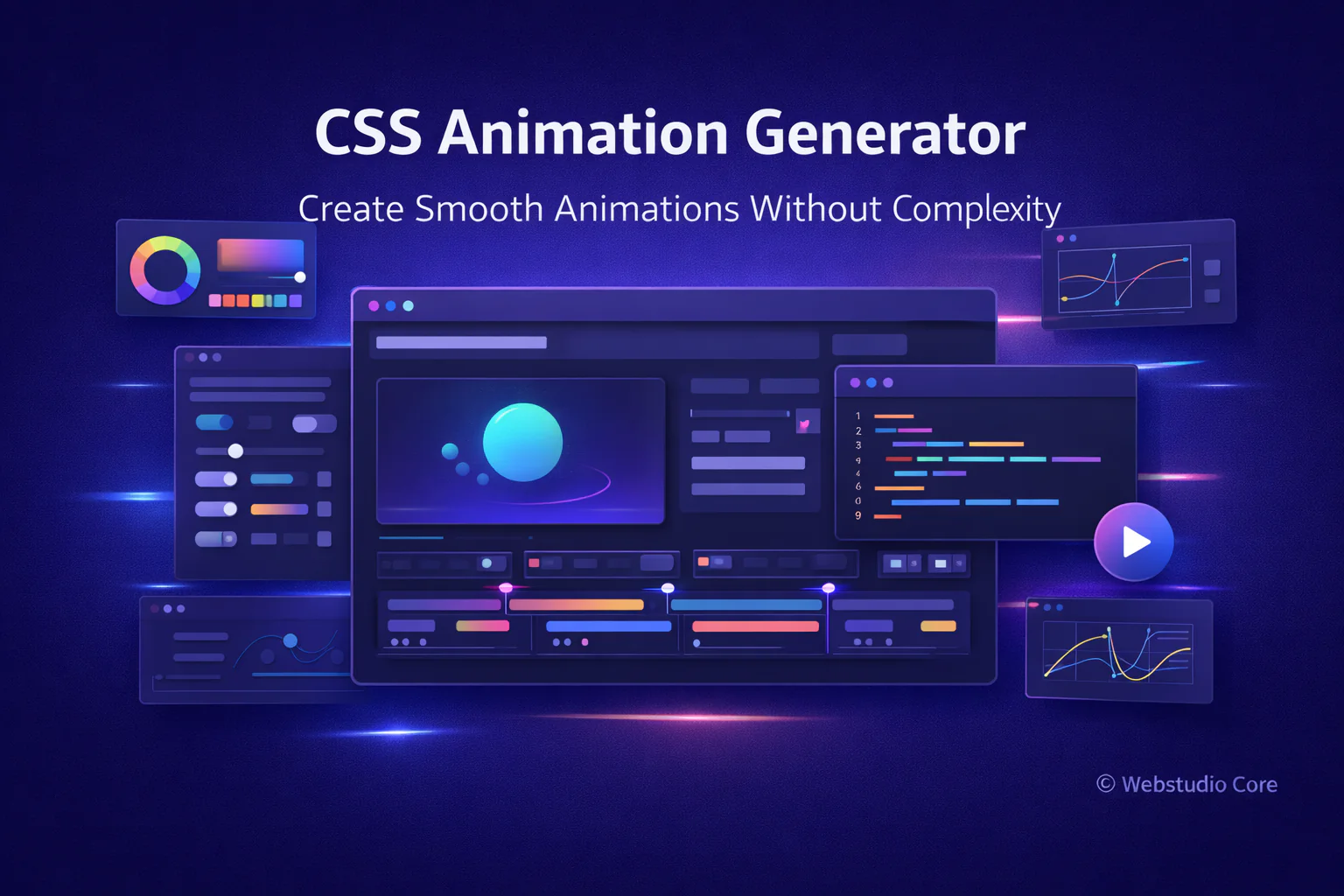
A CSS animation generator is an online tool that helps you create animations using a visual interface. Instead of manually defining keyframes, durations, and timing functions, you adjust values visually and preview the animation in real time.
Once the animation feels right, the generator outputs standard CSS code that can be used directly in your stylesheet.
Why Animation Matters in User Experience
Animation is not just decoration. In user interfaces, motion helps explain relationships between elements and actions.
Well-designed animations can:
• Indicate loading or progress
• Provide visual feedback for user actions
• Smooth transitions between states
• Improve perceived performance
• Make interfaces feel more intuitive
Common Types of CSS Animations
CSS animations come in many forms, and most generators support the most commonly used patterns.
Hover and Interaction Animations
Hover animations are triggered by user interaction. They are often used on buttons, links, and cards to provide immediate feedback.
Transitions Between States
Transitions help elements change smoothly from one state to another, such as expanding menus or toggling visibility.
Keyframe Animations
Keyframe animations allow you to define multiple steps in an animation sequence. They are commonly used for loaders, attention cues, or repeating effects.
Entrance and Exit Animations
These animations control how elements appear or disappear on the screen, improving flow and reducing abrupt changes.
Benefits of Using a CSS Animation Generator
Creating animations manually can be time-consuming and error-prone, especially when adjusting timing and easing functions.
A CSS animation generator offers several advantages:
• Real-time animation preview
• Faster experimentation with motion
• No need to memorize keyframe syntax
• Cleaner and more consistent CSS
• Better control over timing and easing
Understanding Key Animation Properties
Most CSS animation generators expose the essential animation properties in a simple way.
Duration and Delay
Duration controls how long an animation runs, while delay defines when it starts. Subtle timing adjustments often make a big difference in perceived quality.
Timing Functions
Timing functions control acceleration and deceleration. Easing helps animations feel more natural and less mechanical.
Iteration and Direction
Animations can run once, repeat, or alternate direction. Generators make it easy to test these variations instantly.
How to Use a CSS Animation Generator
Using a CSS animation generator typically follows this workflow:
1. Choose the animation type or preset
2. Adjust timing, easing, and movement
3. Preview the animation in real time
4. Fine-tune until it feels natural
5. Copy the generated CSS code
CSS Animation Generator vs Manual Animation Coding
Manual animation coding gives full creative freedom, but it can slow down experimentation. Animation generators allow you to explore ideas quickly without committing to complex syntax too early.
Many experienced developers use generators during the design phase, then refine the animation code manually for production.
Best Practices for Using CSS Animations
Even with powerful tools, animation should be used thoughtfully.
Good practices include:
• Keep animations subtle and purposeful
• Avoid excessive motion
• Use consistent timing across the interface
• Respect user preferences for reduced motion
• Test animations on different devices
Why Webstudio Core Focuses on CSS Animation Tools
Webstudio Core focuses on tools that improve real-world workflows. CSS animation generators help creators build polished, interactive experiences without unnecessary complexity or performance overhead.
All generated animations are designed to be lightweight, readable, and suitable for modern browsers.
Final Thoughts
A CSS animation generator is a practical tool for creating smooth, intentional motion in modern web interfaces. It helps bridge the gap between design ideas and clean, maintainable CSS.
When used thoughtfully, CSS animations enhance usability, improve feedback, and make websites feel more engaging—without overwhelming the user.