
Modern websites often require complex layouts that go beyond simple rows or columns. Dashboards, landing pages, galleries, and application interfaces all demand precise control over structure and spacing.
CSS Grid was created to solve this problem. It provides a powerful two-dimensional layout system, but writing Grid code manually can be challenging. A CSS Grid generator makes this process easier by allowing you to design layouts visually and generate clean CSS instantly.
What Is a CSS Grid Generator?
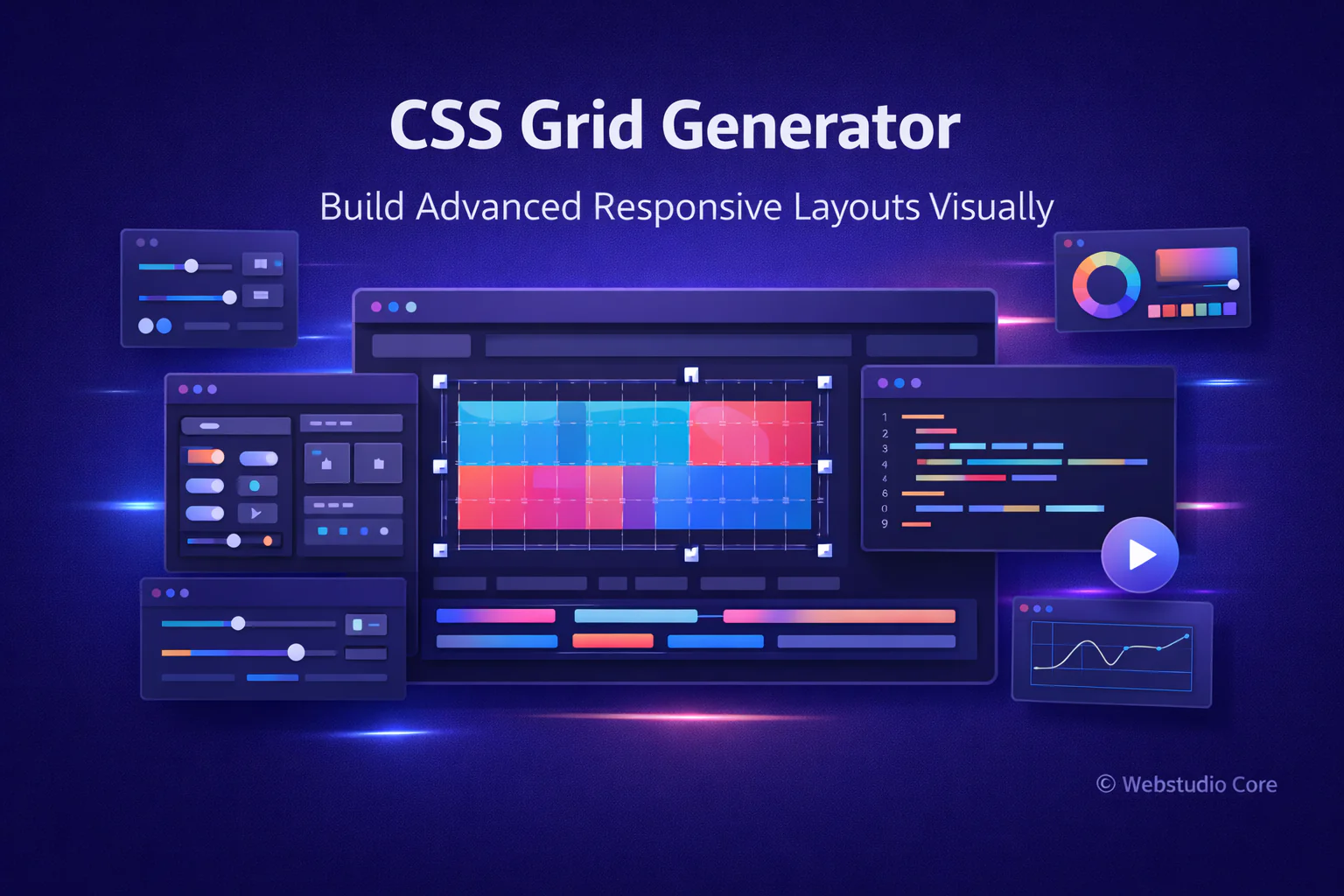
A CSS Grid generator is an online tool that helps you create grid-based layouts using a visual interface. Instead of manually defining rows, columns, and grid areas, you can configure everything visually.
As you adjust grid settings, the tool updates a live preview and produces production-ready CSS Grid code that you can copy directly into your project.
Understanding CSS Grid in Simple Terms
CSS Grid is a two-dimensional layout system that allows you to control both rows and columns at the same time. Unlike Flexbox, which works best in one direction, Grid is designed for full-page and complex layouts.
A grid layout consists of a grid container and grid items. The container defines the structure, while the items are placed precisely within that structure.
Why CSS Grid Is Essential for Modern Web Layouts
CSS Grid has transformed how developers approach layout design. It removes the need for hacks, nested containers, and fragile layout techniques.
CSS Grid helps developers:
• Build complex layouts with fewer elements
• Control rows and columns independently
• Create responsive designs more easily
• Maintain clean and readable CSS
• Reduce layout-related bugs
Key CSS Grid Concepts Explained
Most CSS Grid generators expose the core Grid concepts in a visual and intuitive way.
Grid Columns and Rows
Columns and rows define the structure of the grid. You can create fixed, flexible, or responsive tracks using values like percentages or flexible units.
Grid Gap and Spacing
Grid gaps control the space between rows and columns. This makes spacing cleaner and easier compared to using margins.
Grid Areas
Grid areas allow you to name sections of your layout and place items precisely. This is especially useful for building page-level layouts.
Auto Placement and Alignment
CSS Grid can automatically place items based on available space, while alignment properties help control positioning within grid cells.
Benefits of Using a CSS Grid Generator
CSS Grid is powerful, but it can feel overwhelming when writing layouts from scratch. A grid generator removes friction and speeds up experimentation.
Main benefits include:
• Visual layout building without guesswork
• Faster prototyping of complex designs
• Reduced need to memorize Grid syntax
• Clean and maintainable CSS output
• Better understanding of Grid behavior
How to Use a CSS Grid Generator
Using a CSS Grid generator usually follows this process:
1. Define the number of columns and rows
2. Adjust track sizes and gaps
3. Place items visually within the grid
4. Assign grid areas if needed
5. Preview responsive behavior
6. Copy the generated CSS code
CSS Grid Generator vs Manual Grid Coding
Manual Grid coding offers full flexibility and control, but it can slow down development during the design phase. Grid generators allow you to explore layout ideas quickly and confidently.
Many professionals use generators to create a solid layout foundation, then refine the code manually for production.
Best Use Cases for CSS Grid Generators
CSS Grid generators are ideal for:
• Full-page website layouts
• Dashboards and admin panels
• Image galleries and portfolios
• Complex landing page sections
• Application-style interfaces
CSS Grid vs Flexbox: When to Use Grid
CSS Grid is best for two-dimensional layouts where both rows and columns matter. Flexbox is better suited for one-dimensional alignment problems.
In real-world projects, Grid and Flexbox often work together to create flexible and maintainable layouts.
Why Webstudio Core Builds CSS Grid Generator Tools
Webstudio Core focuses on tools that simplify real-world web development challenges. CSS Grid generators help creators design complex layouts faster while maintaining performance and clean code.
All generated CSS is optimized for modern browsers and long-term maintainability.
Final Thoughts
A CSS Grid generator is a powerful tool for building advanced and responsive layouts. It allows designers and developers to focus on structure and usability instead of wrestling with syntax.
If you want to create modern web layouts efficiently, a CSS Grid generator should be an essential part of your workflow.